
ECM Bulk Image Resizer
formerly SEO Image Optimizer
Rebuilt
Square and compress product images in bulk, with every original backed up.
Install on ShopifyGet help with ECM Bulk Image Resizer
- Price
- Free
- Shopify App Store, Nov 2026
- Listed
- Since May 2017
- Shopify App Store, Nov 2026
Before


After
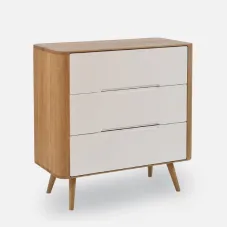
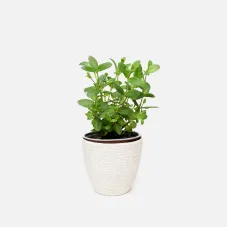
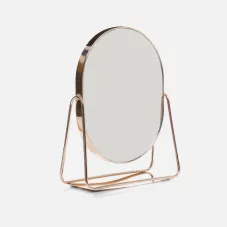
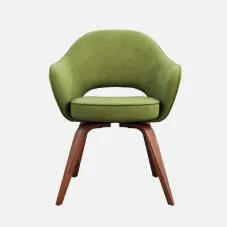
History
- May 30, 2017Launched
- Summer 2026Joined Ecemmerce
- Autumn 2026New version
What it does
It squares and compresses your product images in bulk, and fills in alt text and SEO file names from your templates. It backs up each original before it replaces an image, so you can restore it.
Compress with a preset
Pick Conservative, Balanced or Custom, and preview the result on a sample image before a run.
Square without stretching
Pad images to a square with your background color, or crop them. A small image is never stretched or enlarged.
See the count before it starts
Every run shows how many images it will process before you confirm. A large run keeps going after you close the page.
Sample store data
Alt text from your templates
Alt text and SEO file names are filled from templates with fields such as the product title and the shop name.
How to set it up
Optimize your first images
In Settings, pick a compression preset and how Square treats your images. Then on Home, choose Compress and square all, or pick products.
Check the result
Review the estimate, start the run and read its summary of what was done, skipped or failed.
Set up alt text
Write the alt text templates in Settings. With Overwrite off, only images that have no alt text yet are filled.
The details
Undo a run
Compression and squaring can be restored in one click. An image optimized twice is restored in two steps.
Done, skipped or failed
Each run ends with a summary that says which images changed and which did not.
Collection images too
Product images by default, and collection images when you turn them on in Settings.
Your alt text stays
With Overwrite off, alt text you wrote yourself is kept.
Renaming changes URLs
Descriptive file names from a template change each image's URL for good.
Before you uninstall
Backups are kept for 14 days after you remove the app. Restore your originals first.
Resize to a maximum width
A switch resizes images down to a maximum width, 2,048 px by default. A smaller image is never enlarged.
New images by themselves
Automation can optimize new images and fill in their alt text as you add them.
Savings on Home
Home shows what you saved in total, how many images were optimized and the average reduction.
Questions
What is the difference between Compress and Square?
Compress makes the file smaller and keeps the image's shape and format. Square makes the image 1:1 by padding or cropping, and it never stretches or upscales a small image. Compress and square does both in one run.
Which images can it work on?
Your product images, and your collection images if you turn them on in Settings. It does not work on images in Shopify's Settings > Files, such as homepage banners and blog or page images.
Can I undo a run?
Yes, for compression and squaring. The app backs up each original before it replaces the image, and you restore it in one click. An image optimized twice is restored in two steps.
What happens to my originals if I uninstall?
The backups are kept for 14 days after you uninstall, then removed. If you want your originals back, restore them before you remove the app.
Why did a file get bigger after optimizing?
Compress and square pads the image to a square first, which adds pixels, and then compresses it. On some images the padding adds more than compression removes, and the app reports the file as larger. If you only want smaller files, use Compress without squaring.
Will it overwrite alt text I wrote myself?
Not by default. With Overwrite off, the app fills only images that have no alt text yet. You write the templates in Settings with tokens such as the product title and shop name, and a live preview shows the result.
I used the earlier version. Does anything change?
Your settings and your history move to the new version, and you go on using the app as before.
Install

ECM Bulk Image Resizer
Square and compress product images in bulk, with every original backed up.